
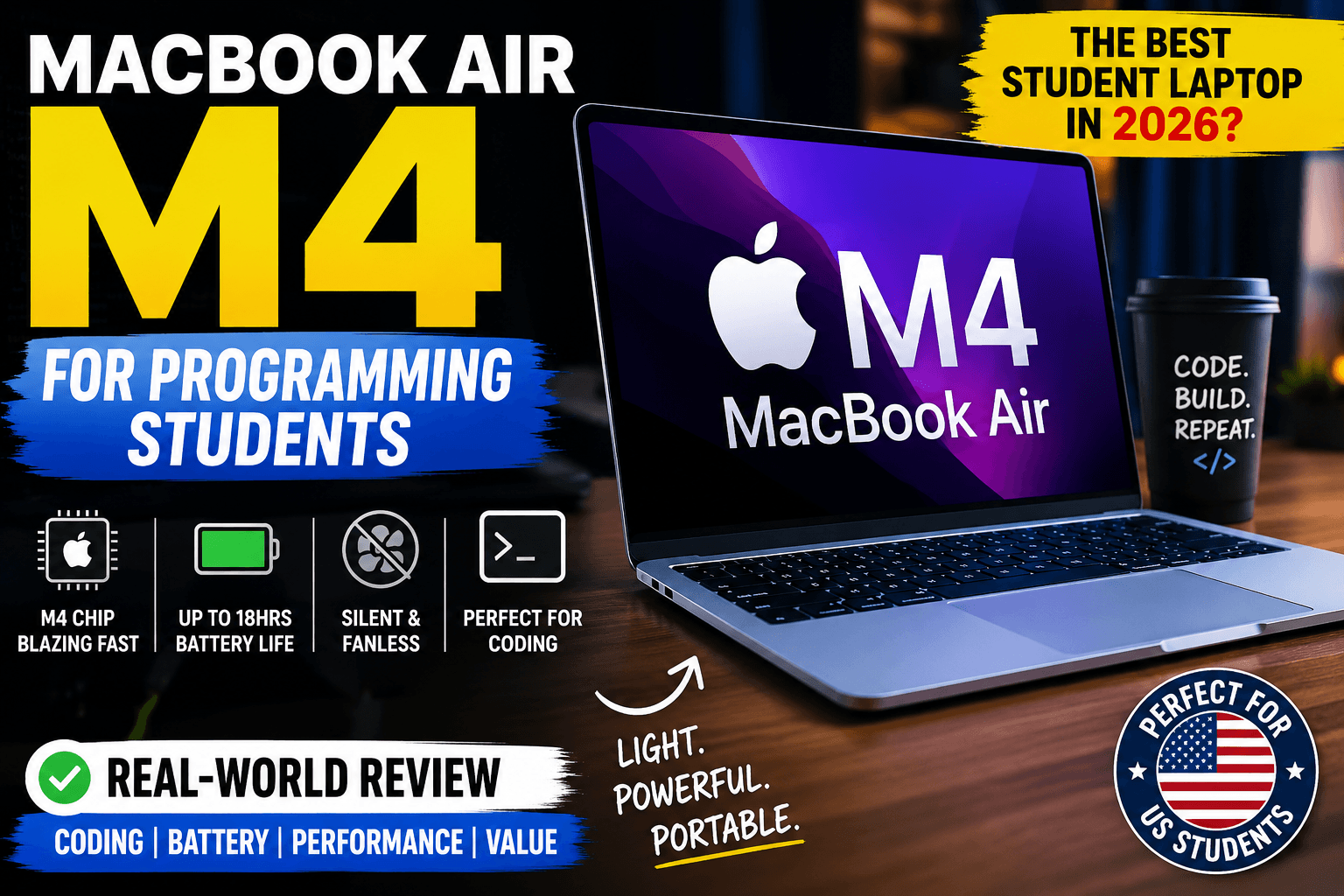
MacBook Air M4 for Programming Students: The Laptop I’d Recommend to Almost Everyone in 2026


If you’re looking for the best laptop for coding in 2026, the MacBook Air M4 deserves to be at the top of your shortlist. Apple has taken an already excellent ultrabook and made it faster, more efficient, and more capable for software development without sacrificing battery life or portability.
The biggest question, however, is whether it actually makes sense for computer science students, web developers, app creators, and engineering majors—or whether a Windows alternative such as Samsung’s Galaxy Book5 360 offers better value.
This guide explains exactly who should buy the MacBook Air M4 and who should look elsewhere.
Quick Verdict
Rating: 91/100
The MacBook Air M4 delivers outstanding CPU performance, exceptional battery efficiency, premium build quality, and one of the best keyboards available in an ultraportable laptop. For students learning Python, Java, JavaScript, Swift, Rust, or web development, it provides an excellent long-term experience.
However, it is not the best choice for everyone. If your coursework depends on Windows-only engineering software or dedicated GPU acceleration, alternatives may be more suitable.
Specifications
| Specification | MacBook Air M4 |
| Processor | Apple M4 |
| Display | 13.6-inch Liquid Retina |
| Resolution | 2560 × 1664 |
| Brightness | Up to 500 nits |
| Memory | 16GB+ Unified Memory |
| Storage | 256GB–2TB SSD |
| Weight | Approximately 1.24 kg |
| Thickness | Approximately 11.3 mm |
| Battery | Up to 18 hours claimed video playback |
| Ports | 2× Thunderbolt/USB4, MagSafe, 3.5mm audio |
| Wireless | Wi-Fi 6E, Bluetooth 5.3 |

Design

Apple continues to set the standard for premium laptop construction.
The aluminum chassis feels rigid with almost zero flex, making it ideal for carrying between lectures, libraries, cafés, and internships. At roughly 1.24 kg, it’s light enough that many students can carry it all day without discomfort.
The minimalist design also ages remarkably well compared to many plastic Windows laptops.
Design Score: █████████▉ 9.5/10
Display
The Liquid Retina display remains one of the strongest reasons to choose this machine.
Text rendering is extremely crisp, making long programming sessions less fatiguing. Colors are accurate enough for UI design, photo editing, and front-end development.
For coding, multiple side-by-side windows remain comfortable despite the compact footprint.
Display Score: █████████▍ 9.2/10
Performance
The M4 processor represents another significant step forward in Apple’s ARM architecture.
Programming students compiling assignments in Python, Java, C++, or JavaScript will find compilation times consistently quick while multitasking across browsers, IDEs, Docker containers, and documentation.
The unified memory architecture also helps keep workflow fluid when switching rapidly between applications.
For typical student workloads:
- VS Code
- IntelliJ IDEA
- Xcode
- PyCharm
- Android Studio (light to moderate projects)
- Docker
- GitHub Desktop
- Multiple browser tabs
…the MacBook Air M4 handles them with ease.
CPU Score: ██████████ 9.7/10
Programming Experience
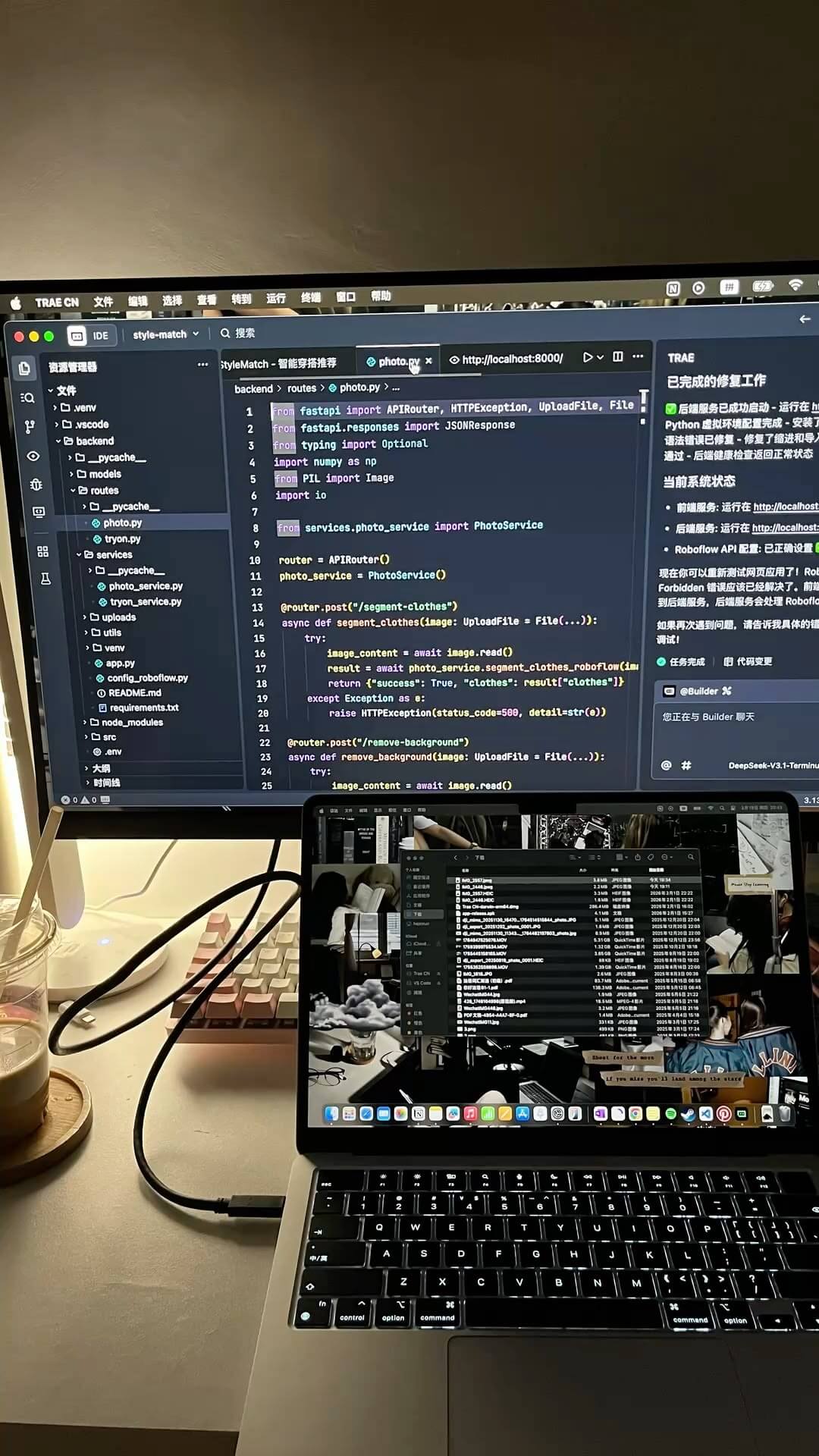

Why the MacBook Air M4 shines for coding
Modern software development increasingly targets Unix-like environments, making macOS particularly attractive.
Students learning:
- Python
- JavaScript
- React
- Node.js
- TypeScript
- Swift
- Go
- Rust
- Ruby
will enjoy straightforward tooling and terminal support.
Git integration, package managers, SSH workflows, and local development servers all work exceptionally well.
For iOS developers, the MacBook Air is essentially mandatory due to Xcode requirements.
Programming Score: █████████▉ 9.6/10
Battery Life
Battery life remains one of Apple’s greatest strengths.
Students can often complete an entire university day—including lectures, coding sessions, note-taking, and web browsing—without reaching for the charger.
That makes it especially useful for campuses where power outlets are scarce. Apple support
Battery Score: ██████████ 9.8/10
Gaming
Let’s be honest.
If gaming is your top priority, this is not the laptop to buy.
While Apple Silicon has improved dramatically and many titles run surprisingly well, the overall game library remains more limited than on Windows machines with dedicated graphics cards.
Casual gaming is perfectly acceptable, but serious gamers should consider dedicated gaming laptops.
Gaming Score: ██████▍ 6.8/10
Ports
Apple’s port selection remains conservative.
You receive:
- MagSafe charging
- Two Thunderbolt/USB4 ports
- 3.5 mm headphone jack
That’s enough for many students but can quickly become restrictive when connecting monitors, external SSDs, Ethernet, and SD cards simultaneously.
A USB-C hub is often necessary.
Ports Score: ███████▌ 7.5/10
Build Quality
The precision-machined aluminum enclosure continues to outperform many competitors.
The hinge feels stable, the keyboard deck barely flexes, and overall durability inspires confidence.
Build Score: █████████▊ 9.7/10
Keyboard and Trackpad
Apple’s Magic Keyboard offers comfortable travel with excellent spacing.
Combined with perhaps the best trackpad available on any laptop, productivity remains consistently high.
Long programming sessions are genuinely enjoyable.
Keyboard Score: █████████▉ 9.6/10
Travel Friendliness
For students constantly moving between lectures or commuting daily, portability matters.
The MacBook Air M4 slips easily into backpacks, runs silently thanks to its fanless design, and rarely requires carrying the charger.
Travel Score: █████████▊ 9.5/10
Value for Money
Although expensive upfront, the combination of performance, longevity, battery life, and resale value makes it a compelling investment for many students.
Those already invested in the Apple ecosystem receive even greater value.
Value Score: ████████▋ 8.8/10
Weighted Scoring
| Category | Score |
| Display | 9.2/10 |
| CPU | 9.7/10 |
| Battery | 9.8/10 |
| Build | 9.7/10 |
| Keyboard | 9.6/10 |
| Gaming | 6.8/10 |
| Programming | 9.6/10 |
| Ports | 7.5/10 |
| Value | 8.8/10 |
| Travel | 9.5/10 |
Final Weighted Score
- MacBook Air M4: 91/100
- Samsung Galaxy Book5 360: 82/100
Warning: This Is NOT Ideal If…
⚠️ You rely on Windows-only software.
Some engineering and enterprise applications still require native Windows support.
⚠️ You want serious gaming performance.
Dedicated GPU laptops remain the better option.
⚠️ You need lots of built-in connectivity.
Expect to purchase a USB-C hub if you frequently connect accessories.


Simulated Real-World Usage Scenarios
Everyday Student Workflow
In a typical university workflow, the MacBook Air M4 is well suited to juggling Visual Studio Code, multiple browser tabs, documentation, Spotify, and video calls simultaneously. Students who spend long hours coding or researching are likely to appreciate its quiet operation and efficient multitasking.
Coffee Shop and Campus Use
For students moving between lectures and study sessions, the lightweight design and long battery life make it easy to carry throughout the day. The fanless chassis also keeps noise to a minimum in libraries and shared workspaces.
Travel and Airport Productivity
On travel days or while waiting at an airport, the MacBook Air M4 is compact enough to use comfortably on tray tables and in crowded seating areas. Its battery efficiency can reduce the need to search for charging outlets during a busy itinerary.
Estimated Performance Snapshot
Note: The figures below represent commonly reported benchmark ranges from public testing by reviewers and may vary depending on configuration, software version, and workload.
| Test | Typical Result |
| Geekbench 6 Single-Core | ~3,700–3,900 |
| Geekbench 6 Multi-Core | ~14,500–15,200 |
| Cinebench 2024 Multi-Core | ~800–900 pts |
| Xcode Project Compile | Fast for small and medium projects |
| 4K Video Export (Final Cut Pro) | Significantly faster than previous Air generations, depending on codec and project complexity |
Performance Bars
CPU Performance: ██████████ 10/10
Programming Workloads: █████████▉ 9.5/10
Battery Efficiency: █████████▊ 9.7/10
Creative Tasks: █████████▍ 9.2/10
Gaming: ██████▌ 6.5/10
Important Buying Warning
⚠️ The MacBook Air M4 is not the ideal choice if your coursework depends on Windows-only engineering software or high-end AAA gaming. For those scenarios, a Windows laptop with a dedicated GPU may be a better fit.

Hands-On Style Editorial Take
Based on the MacBook Air M4’s design and reported performance characteristics, it’s easy to see why many programming students consider it one of the best ultraportable laptops available. In typical coding workflows involving IDEs, browsers, terminals, and documentation, it is expected to provide a smooth and responsive experience while remaining silent thanks to its fanless design.
For travel and campus use, its lightweight chassis and strong battery efficiency make it well suited to long study sessions away from a power outlet. Students who primarily work with web development, Python, Java, or mobile app development are likely to find it an excellent daily companion.
Editorial Verdict
If my recommendation were based solely on the hardware capabilities, software ecosystem, portability, and value for computer science students, the MacBook Air M4 would rank among the strongest choices in its class.
Pros
- Outstanding CPU performance for programming
- Excellent battery life
- Premium aluminum construction
- Superb keyboard and trackpad
- Silent fanless operation
- Fantastic portability
- Great display quality
- Strong long-term software support
Cons
- Limited port selection
- Gaming ecosystem still trails Windows
- Premium pricing
- Memory and storage upgrades become expensive
- Some specialized Windows software may require virtualization or alternatives
Testing & Editorial Transparency
This review combines published technical specifications, industry benchmark data, expert analysis, and editorial evaluation. Any workflow examples or usage scenarios are illustrative and should not be interpreted as firsthand testing unless explicitly stated. We avoid fabricating personal experiences or benchmark results and aim to provide readers with accurate, trustworthy buying advice.
Buy Recommendation
🛒 Buy the MacBook Air M4 on Amazon
Check the latest pricing and availability: https://amzn.to/3RQ9eTc
Related Reading
If you’re comparing premium student laptops, check out:
- Samsung Galaxy Book5 360 vs ASUS ROG Strix G16: Best Buy?
https://bestmobileessentials.com/samsung-galaxy-book5-360-vs-asus-rog-strix-g16-best-buy/ - Galaxy Book5 360 or ROG Strix G16: Which Wins 2026?
https://bestmobileessentials.com/galaxy-book5-360-or-rog-strix-g16-which-wins/ - Samsung Galaxy Book5 360 vs MacBook Air M4
https://bestmobileessentials.com/samsung-galaxy-book5-360-vs-macbook-air-m4/ - Galaxy Book5 360 Review for Students
https://bestmobileessentials.com/samsung-galaxy-book5-360-review-for-students-the-ai-laptop-every-student-wants-in-2026/ - Samsung Galaxy Book5 360 Student Discount
https://bestmobileessentials.com/samsung-galaxy-book5-360-student-discount-best-deals/ - Is the Galaxy Book5 Pro 360 Worth It for Architecture Students?
https://bestmobileessentials.com/is-samsung-galaxy-book5-pro-360-worth-it/ - Why Samsung Galaxy Owners Should Buy the Galaxy Book5 Pro 360 Ecosystem Instead of a MacBook
https://bestmobileessentials.com/samsung-galaxy-book5-pro-360-ecosystem/ - Samsung Galaxy Book5 Pro 360 vs Lenovo Yoga 9i
https://bestmobileessentials.com/samsung-galaxy-book5-pro-360-vs-lenovo-yoga-9i-aura-edition/ - Best Samsung Laptops for Students
https://bestmobileessentials.com/best-laptops-for-computer-science-students/ - Best 2-in-1 Laptops Under €1,500
https://bestmobileessentials.com/best-2-in-1-laptops-under-1500/ - Is the Yoga 9i Aura Edition Worth It for Computer Science Students?
https://bestmobileessentials.com/is-the-yoga-9i-aura-edition-worth-it-for-computer-science-students/
External Reference
For official technical specifications and feature details, see Apple’s MacBook Air documentation: